
Sort combo lists alphabetically
Arrange authorized username:password or email:password lines A–Z while keeping passwords unchanged. Import, review and export entirely in your browser.
清理选项
密码筛选
0
输入
0
已清理
0
重复项
0
已删除
清理后的组合库将显示在这里。
粘贴列表或导入 TXT 文件,然后调整本地清理规则。
仅清理您拥有或明确获准处理的组合列表和账户数据。本工具在本地转换文本,绝不会在任何服务上验证凭据。
Create a predictable A–Z combo list
Normalize optional whitespace and email casing, then sort complete identifier:password lines with malformed inputs kept in a separate report.
组合优化器
规范化空格和邮箱大小写,同时完整保留原始密码。
重复项清理器
删除重复的组合行,并查看源组合库中检测到的重复项数量。
附加数据清理器
删除组合后以竖线或制表符分隔的附加数据,同时保留标识符和密码。
密码筛选
按最小或最大长度筛选,并要求包含大写字母、小写字母、数字或符号。
邮箱组合筛选
当流程要求使用邮箱格式的标识符时,仅保留有效的“邮箱:密码”行。
复制并导出 TXT
复制或下载清理后的组合列表,并查看被拒绝的行及其删除原因。
不会接收您的组合库的清理器
无需账户、服务器上传或凭据检查,仅在当前浏览器标签页中进行本地文本处理。

100%
本地加工
您的组合列表会在设备上解析和清理。DorkPlus 永远不会收到源数据或输出结果。
01
12
清理控制
结合规范化、去重、删除附加数据、排序和密码字符筛选。
02
2
导出报告
下载干净的组合库,或下载标注了原因的已删除行报告。
03How to sort a combo list online
Use a stable alphabetical output for controlled comparisons, test fixtures and internal data preparation.
Paste or import the source list
Add authorized username:password or email:password lines. The original text remains in the input panel.
zeta@example.org:Test9!
alpha@example.org:Test4!Keep A–Z sorting enabled
The page opens with alphabetical sorting selected while capture and duplicate removal remain optional.
Review the sorted clean output
Only valid combo pairs are sorted. Invalid rows remain available in the removed-lines report.
Copy or download the sorted list
Export the result locally and retain the source whenever original ordering matters.
Sorting features
Sort the clean result without changing the source
Alphabetical ordering makes two authorized datasets easier to compare and scan. The input panel preserves the original order so the transformation remains visible and reversible.
Sorting operates on the complete normalized line. It does not rank password strength, verify accounts or contact any service represented in the data.
- Sort complete valid lines A–Z
- Keep source ordering visible
- Combine sorting with optional cleanup rules
负责任的使用场景
Migration comparisons
Align approved exports for easier text comparison.
QA fixtures
Create stable ordering for generated test accounts.
Defensive reporting
Organize a company-owned response dataset.
Training datasets
Sort fictional lab examples for repeatable exercises.
Combo list sorter questions
Answers about ordering, case handling, duplicates and local TXT processing.
更多免费实用程序



需要更完整的防御性暴露分析流程吗?
在此清理经授权的数据集,然后使用 DorkPlus 工具大规模开展结构化、负责任的暴露分析和安全操作。
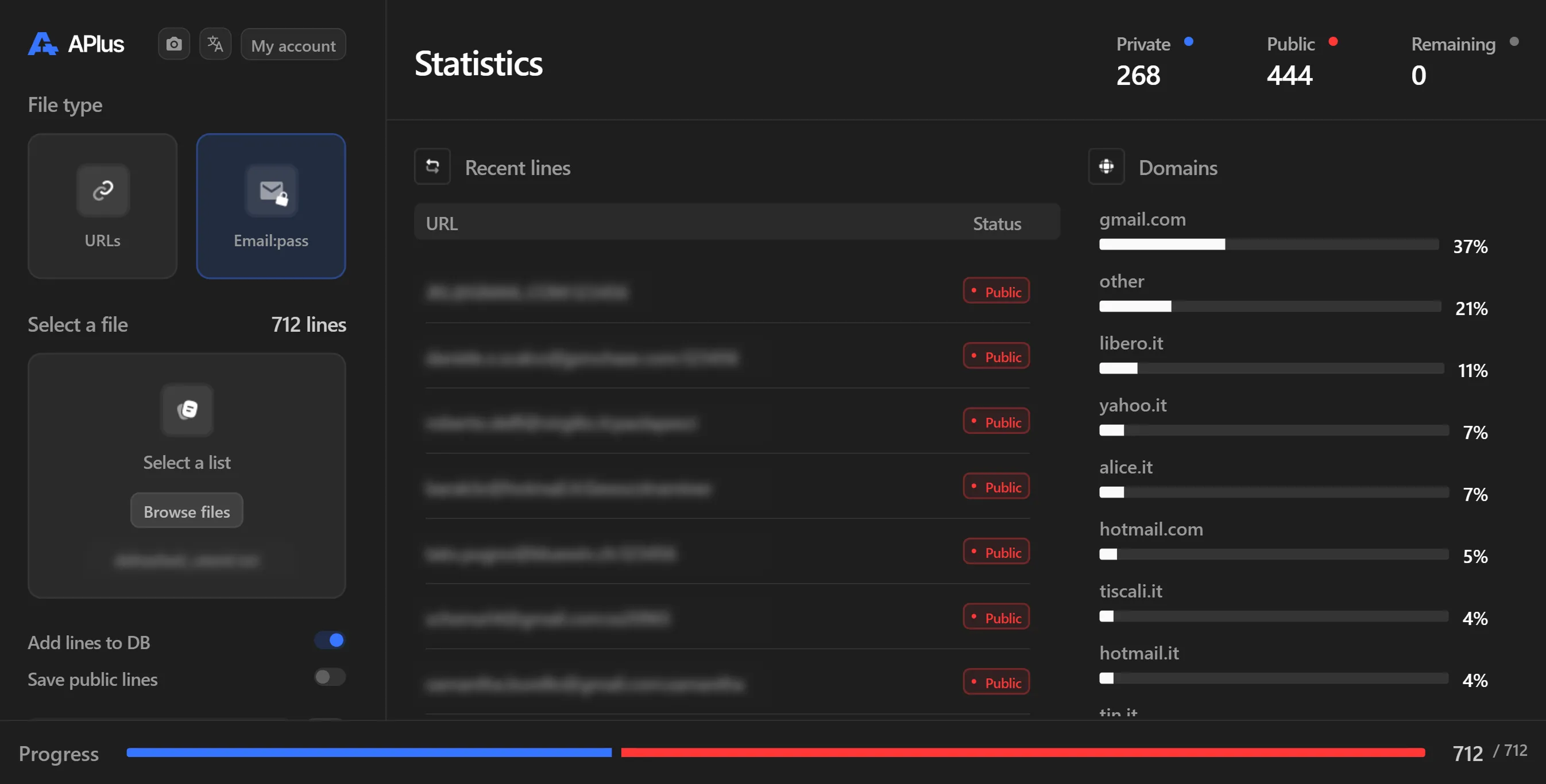


DorkPlus 已经存在三年多。它最初只是一个 Google 无代理采集器,后来逐步发展为一体化渗透测试解决方案,并且每周都在持续进化。
Copyright © 2026 DorkPlus
所有系统运行正常