
Google filetype: search generator
Build precise public-document searches with filetype:, keywords, domains and dates. Generate one or many queries locally before searching.
构建查询
预设模板
1
关键词
2
已启用的运算符
1
已生成的查询
已生成的 Google Dork
每个关键词生成一个查询
"security report" site:example.com filetype:pdf仅将运算符用于合法研究和获授权的系统。
Find public documents by extension and topic
Combine a normalized file extension with an exact phrase, optional site scope and date range for focused document research.
核心搜索运算符
Combine site:, inurl:, intitle:, intext:, filetype: and exclusion operators with consistent quoting.
日期范围筛选器
添加 after: 和 before: 日期,将已编入索引的结果限制在有用的研究时间范围内。
批量关键词生成
每行粘贴一个关键词或短语,为每个条目生成完整的运算符查询。
聚焦模板
可从管理页面、配置文件、备份、参数、登录页面、目录或文档开始。
一键复制与导出
一键复制生成的 Dork、下载 TXT 列表,或在 Google 中打开单条查询。
本地构建查询
不会自动执行任何搜索。您的域名、细分领域和关键词仅保留在当前浏览器标签页中。
了解查询背后的运算符
精心挑选的阅读列表,聚焦 Google Dork 语法、组合方式和负责任的研究。


永远不会提交查询的构建器
无需帐户或自动搜索,只在本地生成。

100%
本地生成
域名、关键词和运算符均由您的浏览器组合。DorkPlus 永远不会收到您输入的内容。
01
9
运算符控件
使用关键词、网站、URL、标题、文本、文件类型、排除词和两个日期筛选器构建查询。
02
7
即用型模板
从实用的起点开始,再逐一调整运算符以匹配已获授权的研究范围。
03How to search Google by file type
Use filetype: with an extension such as pdf, docx, xlsx or csv, then add a topic that describes the public document you need.
Choose the file extension
Enter the extension with or without a leading dot. The builder normalizes it before generating the query.
filetype:pdfDescribe the document
Add one keyword or exact phrase per line, such as security report or product specification.
Add a domain or date range
Constrain the search to an approved site or a relevant publication window when the web-wide result is too broad.
Review and export
Copy the final queries or download the list. No document is opened or searched automatically.
"security report" site:example.com filetype:pdfDocument search controls
A file type is a filter, not a research question
Filetype: becomes useful when paired with a topic, organization or date. Searching an extension alone is usually too broad to surface the documents that matter.
A search result only indicates public indexing. Respect access controls, licenses and organizational boundaries when opening or using any discovered document.
- Use extensions without a leading dot
- Add a descriptive topic
- Constrain sensitive reviews to authorized sites
Responsible use cases
Public report research
Find indexed PDFs or spreadsheets about a defined topic.
Website content audits
Review public document types on a site you manage.
Academic discovery
Combine a research phrase with a PDF filter and dates.
Migration QA
Look for selected legacy document formats after a controlled move.
Google filetype search questions
Answers about extension syntax, supported formats, domains, dates and privacy.
更多免费实用程序

Google Dork Generator
使用运算符和模板构建高级搜索查询
Google Site Search Generator
Build searches for one domain or URL prefix
Google InURL Search Generator
Find indexed URL words and route patterns

所有免费实用程序
浏览在浏览器中本地运行的每个免费 DorkPlus 工具。

准备好将 Dork 转为结构化结果了吗?
升级到 DorkPlus Scraper 的大规模处理。
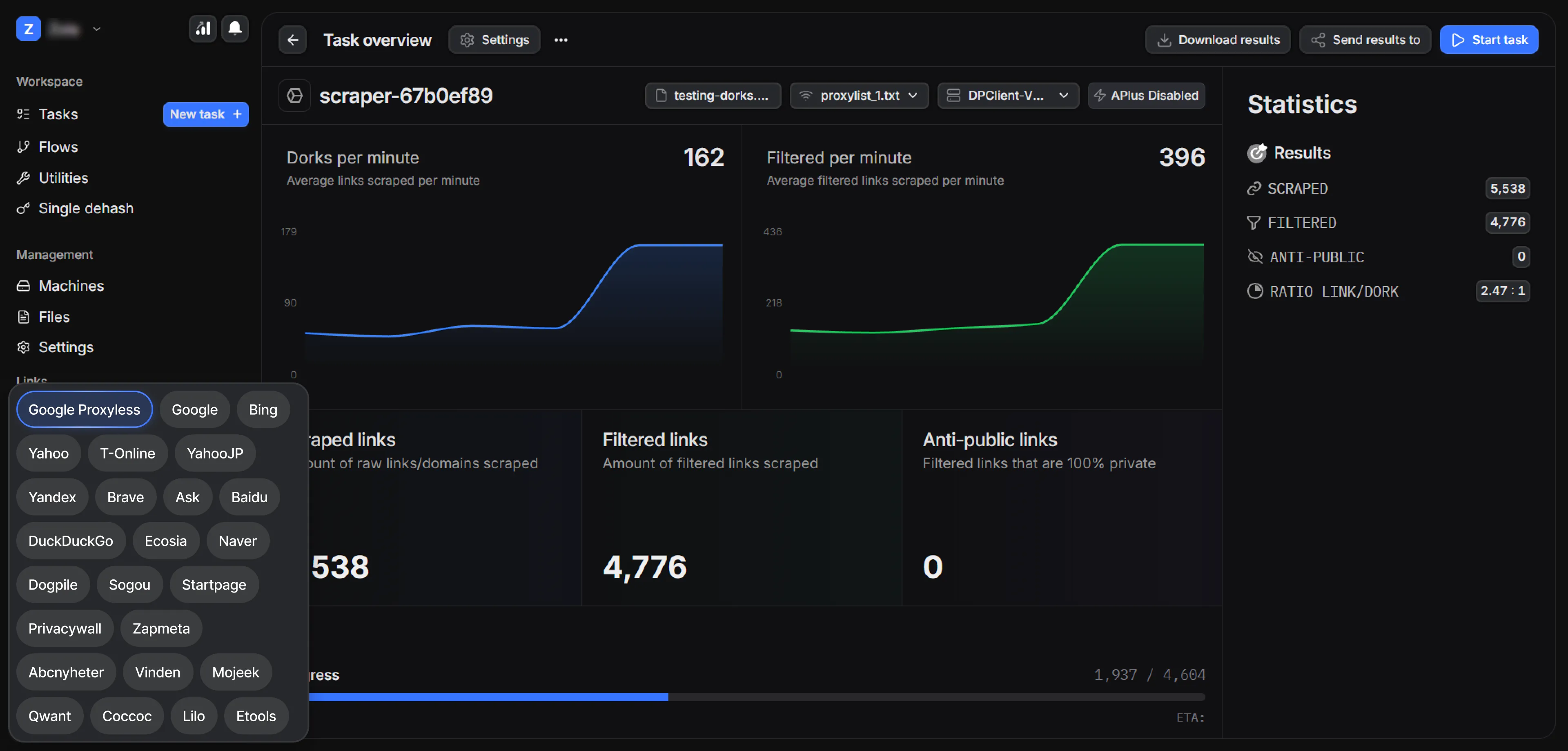


DorkPlus 已经存在三年多。它最初只是一个 Google 无代理采集器,后来逐步发展为一体化渗透测试解决方案,并且每周都在持续进化。
Copyright © 2026 DorkPlus
所有系统运行正常