
Free URL cleaner & parameter extractor
Clean, normalize and deduplicate URL lists. Extract domains, endpoints, paths and query parameters—or generate FUZZ-ready URLs—without uploading your data.
Cleaning options
Clean URLs
2 tracking parameters removed
Use this utility only with data and systems you are authorized to assess. Formatting a URL list does not grant permission to test its destinations.
Six output formats from one URL list
Switch the workspace output without editing your input. Every format is normalized and deduplicated automatically.
Clean URLs
Lowercase schemes and hostnames, sorted query strings, no fragments, credentials or repeated lines.
Domains
Collapse a mixed list into a unique hostname inventory, ready for scope reviews and asset lists.
Endpoints
Keep origin and path, drop every query string, so the same endpoint is only listed once.
Paths
Extract route structures across hosts to compare environments or map an application surface.
Parameters
Turn a URL list into a deduplicated query key wordlist without writing a single regular expression.
FUZZ templates
Swap every parameter value for the FUZZ placeholder used by common authorized testing workflows.
A URL utility that never sees your list
No account, no upload and no request to the domains you paste—only text processing in your own browser tab.

100%
Local processing
Every URL is parsed by your browser. Nothing is uploaded to DorkPlus and no pasted domain is contacted.
01
6
Output formats
Clean URLs, domains, endpoints, paths, parameter wordlists and FUZZ templates from a single input.
02
0
Limits and accounts
No login, no upload cap and no queue. Paste a list, pick an output and copy or export it instantly.
03How to clean and extract parameters from a URL list
A raw URL collection repeats the same endpoint in many forms: uppercase hostnames, reordered query strings, fragments, campaign identifiers and trailing slashes. One normalization pass gives every later tool cleaner input.
Paste URLs from any text source
Add one URL per line or paste text that contains complete HTTP and HTTPS links. Domain-like values are accepted and assumed to be HTTPS, while invalid entries are ignored and counted in the workspace statistics.
example.com/path?id=1Choose the normalization rules
The defaults remove fragments, credentials and widely used analytics parameters before sorting the remaining query keys. Switch individual rules off when an exact URL representation matters.
Select an output format
Use Clean URLs for a normalized list, Domains for a hostname inventory, Endpoints to drop query strings, Paths for route analysis, Parameters for a key wordlist, or FUZZ templates for a neutral placeholder. Every view is deduplicated.
Copy or download the result
Copy the current output directly or download a UTF-8 text file. Processing stays on your device from paste to export, so internal development URLs and test scopes are never submitted to a remote API.
Handled automatically
Why URL normalization matters
Search engines, crawlers, proxies and application logs can represent one resource with many superficially different URLs. Normalization reduces that noise without making network requests or deciding whether two server responses are actually equivalent.
Changing parameter order is usually useful for list comparison, while removing a parameter entirely may change application behavior. That is why every cleaning rule stays visible and optional.
- One resource, one line—regardless of parameter order
- Optional rules, so behavior-changing edits stay your decision
- Consistent input for crawlers, scanners and diff reviews
Common use cases
Bug-bounty scope review
Prepare authorized target lists and inspect repeated endpoints.
Web development QA
Compare routes and query keys across environments.
Crawl result cleanup
Remove repeated URLs before importing another tool.
Analytics hygiene
Strip common campaign identifiers from shared links.
URL Toolkit questions
Clear answers about URL cleaning, privacy and supported input.
Need to discover and process URLs at scale?
DorkPlus combines multi-engine search parsing, crawling, categorization and authorized vulnerability assessment in one workflow.
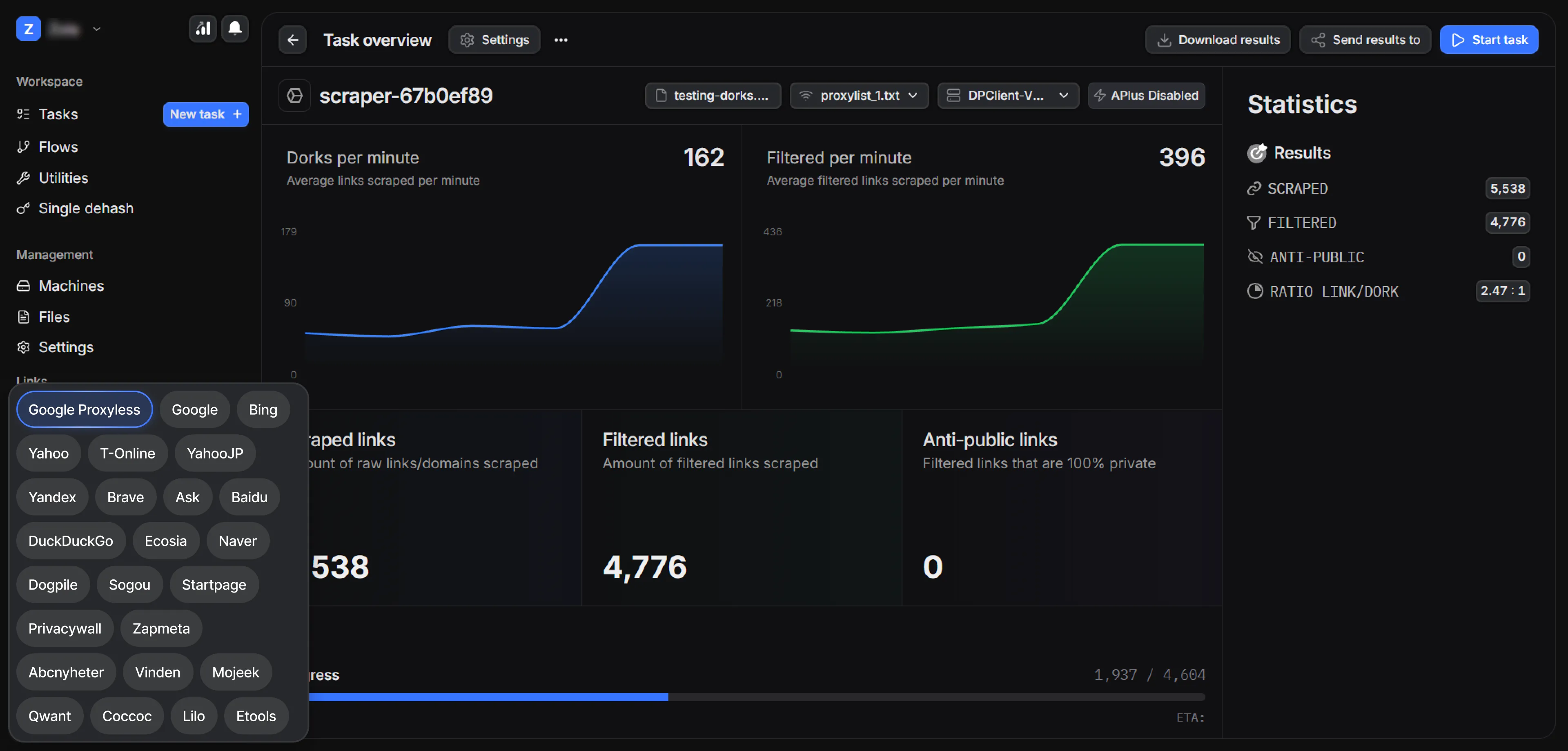


DorkPlus has been around for over three years. It started as a Google proxyless scraper and grew into an all-in-one pentesting solution, evolving week after week.
Copyright © 2026 DorkPlus
All systems operational