
Remove captures from combo lists
Strip pipe- or tab-separated capture suffixes from authorized combo data while preserving each identifier:password pair. Nothing is uploaded or validated.
Cleaning options
Password filters
0
Input
0
Cleaned
0
Duplicates
0
Removed
Your cleaned combo base will appear here.
Paste a list or import a TXT file, then adjust the local cleaning rules.
Only clean combo lists and account data that you own or are explicitly authorized to handle. This utility transforms local text and never validates credentials against a service.
Turn captured lines into a clean two-field format
Remove appended metadata consistently, identify malformed rows and retain a separate reason-labeled report for anything the parser rejects.
Combo optimiser
Normalize whitespace and email casing while preserving the password exactly as entered.
Duplicate remover
Remove repeated combo lines and see how many duplicates were detected in the source base.
Capture remover
Strip pipe- or tab-separated capture data after a combo while keeping the identifier and password.
Password filters
Filter by minimum or maximum length and require uppercase, lowercase, number or symbol characters.
Email combo filter
Keep only valid email:password lines when a workflow requires an email-formatted identifier.
Copy and TXT export
Copy or download the cleaned combolist and review rejected lines with their removal reason.
A combo cleaner that never receives your base
No account, server upload or credential check—only local text processing inside the current browser tab.

100%
Local processing
Your combolist is parsed and cleaned on your device. DorkPlus never receives the source or output.
01
12
Cleaning controls
Combine normalization, deduplication, capture removal, sorting and password-character filters.
02
2
Export reports
Download the clean combo base or a reason-labeled report of removed lines.
03How to strip capture data from combos
Reduce multi-field captured rows to the identifier:password pair required by an approved migration, QA or defensive analysis workflow.
Paste captured combo lines
Add authorized rows containing a username or email, a password and optional pipe- or tab-separated fields.
analyst@example.org:SecureLab456! | plan=premiumKeep capture removal enabled
The focused preset cuts the line at the first pipe or tab while keeping the identifier and password before it.
Review clean and rejected rows
Malformed entries remain out of the clean output and are documented in the removed-lines view.
Copy or download the result
Export the resulting two-field list locally. Enable deduplication too if repeated normalized pairs should be removed.
Capture cleanup features
Keep only the fields your approved workflow needs
Captured suffixes can contain plan labels, regions or other appended metadata. Removing those fields produces a simpler two-column-style text format and reduces the amount of data carried into later processing.
Capture removal is destructive text transformation, so the original input is never overwritten. Review the clean result and rejected report before using either export.
- Stop at the first pipe or tab delimiter
- Preserve the original password text
- Keep the source file unchanged
Responsible use cases
Internal migrations
Remove unneeded metadata from an approved account export.
Incident response
Minimize fields in a company-owned exposure dataset.
Security labs
Normalize fictional captured examples for training.
QA fixtures
Convert generated multi-field test rows into a stable pair format.
Combo capture remover questions
Answers about delimiters, preserved fields, malformed rows and privacy.
More free utilities

Combo Cleaner
Clean combolists and combo bases locally
Combo List Deduplicator
Remove repeated combo lines locally
Email Combo Filter
Keep email-formatted combo rows

All free utilities
Browse every free DorkPlus tool that runs locally in your browser.

Need a broader defensive exposure workflow?
Clean an authorized dataset here, then use DorkPlus tools to support structured, responsible exposure analysis and security operations at scale.
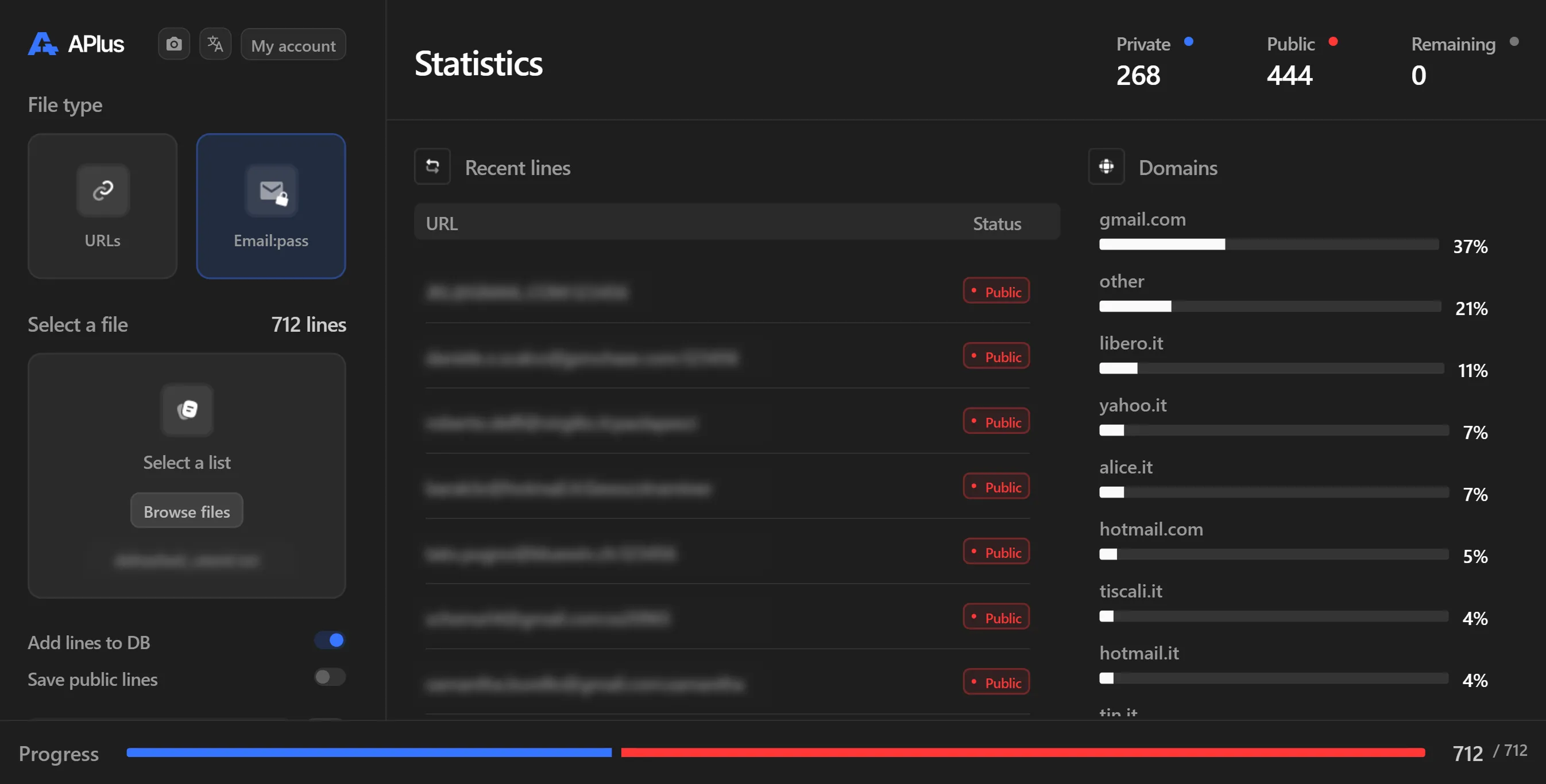


DorkPlus has been around for over three years. It started as a Google proxyless scraper and grew into an all-in-one pentesting solution, evolving week after week.
Copyright © 2026 DorkPlus
All systems operational